
 By Chloe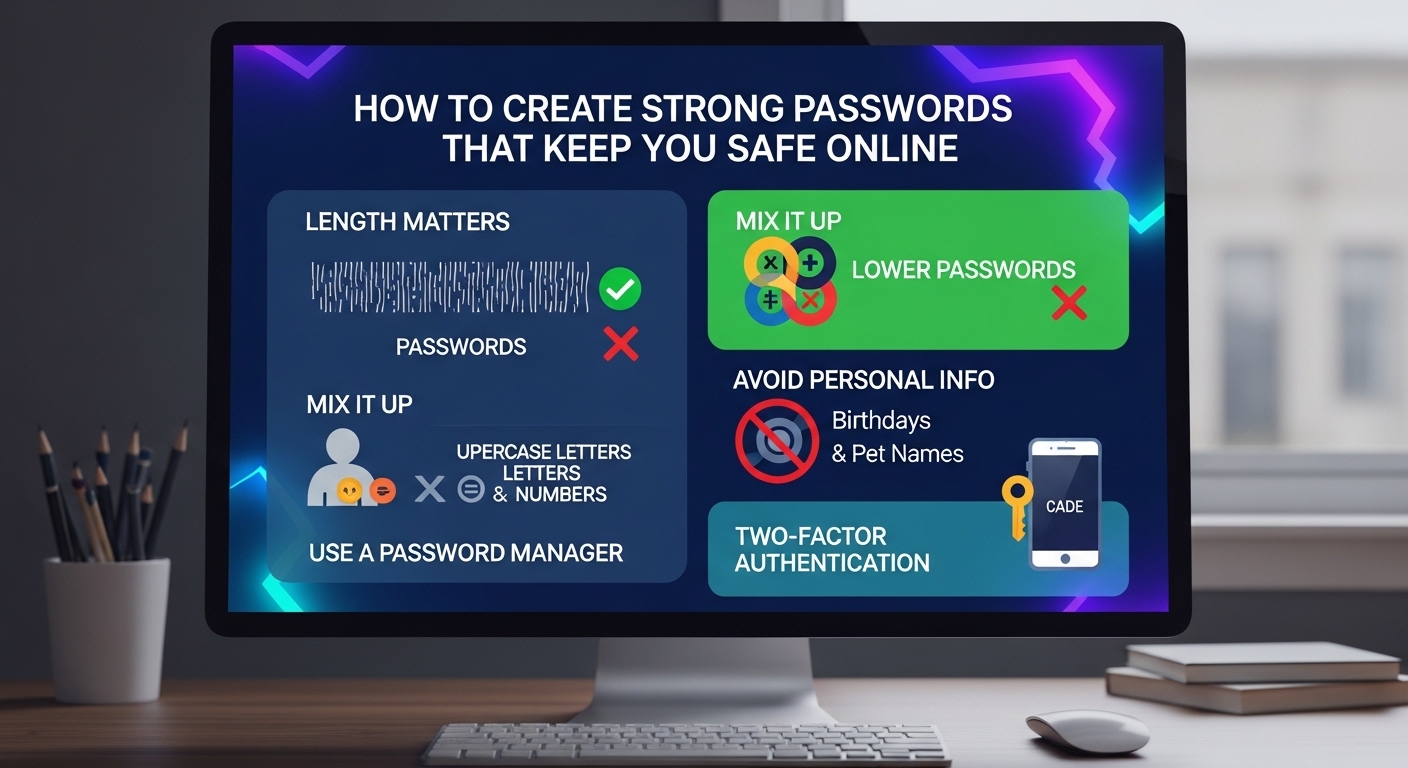
In today’s digital age, the importance of securing your online accounts cannot be overstated. With cybercrime on the rise, protecting your personal information has become more crucial than ever. How to Create Strong Passwords That Keep You Safe Online! One of the most fundamental yet effective ways to safeguard your online identity is by creating strong, unbreakable passwords. In this article, we will guide you through the steps of creating strong passwords that will keep you safe online and ensure your data remains protected from cyber threats.
Why Strong Passwords Matter
A strong password is the first line of defense against cybercriminals attempting to access your sensitive data, such as bank accounts, email, and social media profiles. Weak passwords are often easy targets for hackers, who use various techniques, including brute force attacks, phishing scams, and credential stuffing, to gain unauthorized access. According to a study by Verizon, 81% of data breaches involve weak or stolen passwords.
Creating a robust password can significantly reduce the risk of unauthorized access to your accounts. But what exactly makes a password “strong”? Let’s dive into that.
Characteristics of a Strong Password
A strong password is one that is difficult for cybercriminals to guess or crack. Here are some key characteristics that make a password strong:
1. Length
The longer the password, the harder it is to crack. A minimum of 12 characters is recommended. Each additional character exponentially increases the time it takes to crack the password, making it more secure.
2. Complexity
A strong password should be a mix of uppercase and lowercase letters, numbers, and special characters (such as @, #, $, %, etc.). This variety adds layers of complexity that make it more difficult for attackers to guess.
3. Avoid Common Words or Patterns
Common words (like “password,” “12345,” or “qwerty”) and easily guessable patterns (such as your birthdate, name, or family members’ names) should be avoided. These are the first guesses a hacker will make.
4. No Personal Information
Avoid using any personal information such as your name, username, or phone number in your password. Even information that might seem random to you could be easily discovered through social media or data breaches.
5. Unpredictability
A strong password is random and unpredictable. Avoid using predictable sequences, such as “abc123” or “letmein.” The more random your password, the harder it is for a hacker to crack.
Steps to Create a Strong Password
Now that we know what makes a password strong, let’s walk through how to create one that offers optimal security.
Step 1: Use a Password Manager
How to Create Strong Passwords That Keep You Safe Online! One of the easiest ways to create and store strong passwords is by using a password manager. Password managers generate complex passwords for each of your accounts and securely store them, so you don’t have to remember them all. This allows you to create long, random, and unique passwords for every site you use, minimizing the chances of reuse or predictable passwords.
Popular password managers include:
LastPass
1Password
Dashlane
Bitwarden
By using a password manager, you can safely store and manage your passwords across multiple devices. They also often have built-in features that alert you when a password is weak or reused, making it easier to stay secure.
Step 2: Use a Passphrase
Instead of a single word, consider using a passphrase—a random combination of words that are easy for you to remember but difficult for others to guess. For example, instead of “Sunshine123,” you might use “FluffyLion#$93River.” Passphrases should be at least 16 characters long and combine unrelated words and symbols.
A passphrase is both easy to remember and highly secure, as it drastically increases the number of possible combinations compared to a regular password.
Step 3: Enable Two-Factor Authentication (2FA)
While creating a strong password is important, adding an extra layer of protection with Two-Factor Authentication (2FA) can greatly enhance your security. 2FA requires two methods of verification to log in to your account: something you know (your password) and something you have (a code sent to your phone or an authentication app).
By enabling 2FA, even if someone manages to guess your password, they will still need access to your second factor (such as your phone or email) to log in. This adds an additional barrier that makes it much harder for hackers to gain access.
Step 4: Avoid Password Reuse
Using the same password for multiple accounts is a risky practice. If one of your accounts gets compromised, all of your other accounts are vulnerable. A password manager can help you avoid reusing passwords, allowing you to generate unique passwords for every site or service you use.
Additionally, it’s important to change your passwords regularly—especially for high-risk accounts like banking or email. Setting reminders to update your passwords every 3-6 months is a good practice.
Step 5: Review and Update Your Security Regularly
Once you’ve set strong passwords for your accounts, make sure to periodically review your security settings. If you receive any alerts about unauthorized access or security breaches, take immediate action by changing your passwords and enabling 2FA if you haven’t already.
Also, keep an eye on the news for any major data breaches that may involve the services you use. If your accounts are compromised, change your passwords immediately and monitor for any suspicious activity.
Common Mistakes to Avoid When Creating Passwords
Even with the best intentions, it’s easy to make mistakes when creating passwords. Here are some common errors to watch out for:
1. Using the Same Password Everywhere
As mentioned earlier, reusing passwords across multiple sites puts all your accounts at risk. Each account should have a unique password.
2. Choosing Weak or Simple Passwords
Using simple or short passwords might seem convenient, but they make it much easier for hackers to break into your accounts. Always aim for complexity and unpredictability.
3. Writing Down Passwords
While it might be tempting to write your passwords down for easy access, it’s a huge security risk. If someone finds your password list, they can access all your accounts.
4. Using Personal Information
Avoid using easily accessible personal information like your birthday, pet’s name, or family members’ names in your passwords. Hackers often use social engineering tactics to gather this information.
Tips for Keeping Your Passwords Safe
Don’t share your passwords: Be cautious when sharing your login credentials, even with friends or family. Only share your passwords with trusted parties when absolutely necessary.
Be cautious on public Wi-Fi: Avoid logging into sensitive accounts while using public Wi-Fi networks. Use a VPN (Virtual Private Network) for secure browsing when on public networks.
Be wary of phishing scams: Always verify the legitimacy of emails or links before clicking. Phishing scams often try to trick you into entering your password on fake websites.
Keep your devices secure: Make sure your devices (smartphones, computers, etc.) are protected with a password or PIN. Enable biometric authentication (like fingerprint or facial recognition) for an added layer of security.
Conclusion: Stay Secure and Protect Your Online Life
How to Create Strong Passwords That Keep You Safe Online! Creating strong, unique passwords is one of the most effective ways to protect your online accounts from cybercriminals. By following the tips and steps outlined in this article, you can significantly reduce the risk of unauthorized access and keep your personal data secure. Remember to use a password manager, enable two-factor authentication, and regularly review your security settings.
Take action today—review your passwords, update any weak ones, and start implementing stronger security practices. By doing so, you’ll be taking crucial steps toward ensuring your online safety.